PORTABLE TOOLS FOR MODERN TRADERS

Trade beyond
your desk.

Your trading. Your freedom. Anywhere.

Bring dedicated trading controls to your everyday setup. From your workspace to your next coffee stop, TapTrader moves with you.

Explore the keyboard Meet TapTrader

Bluetooth + wired connectivity · Compact, portable design
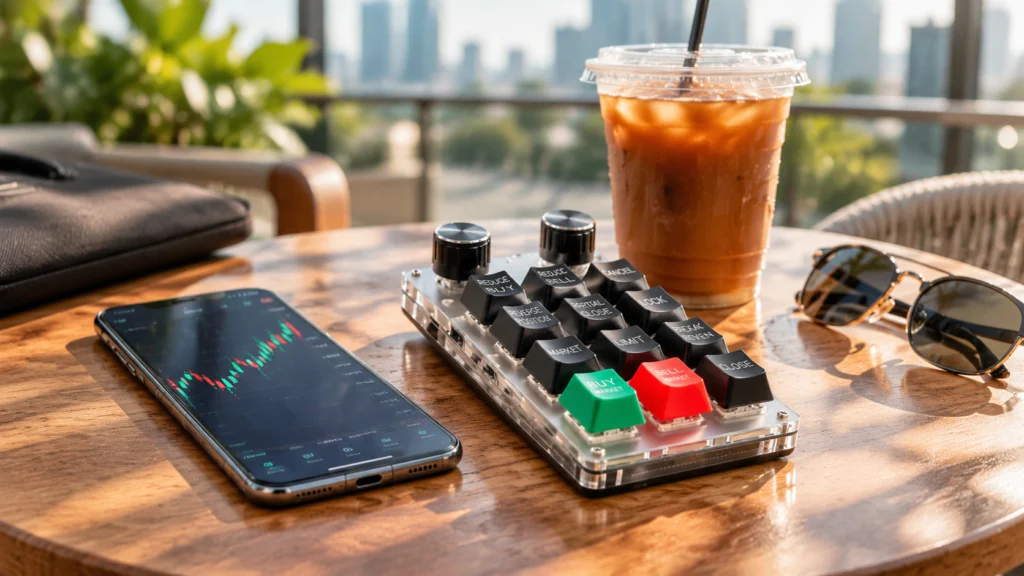
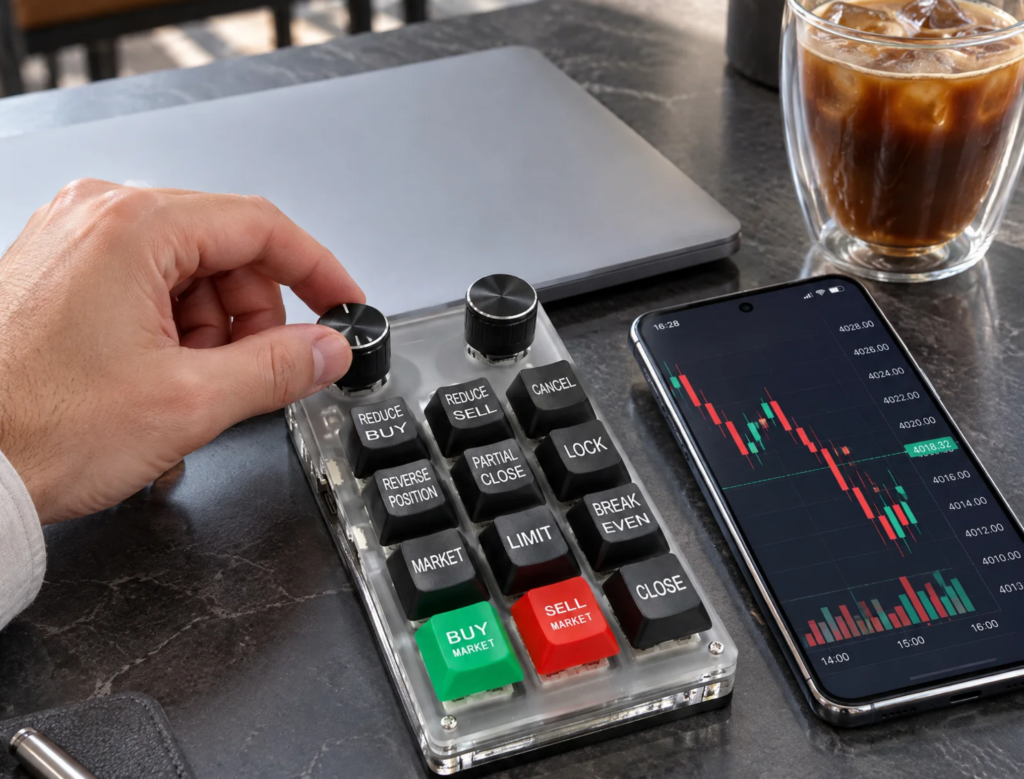
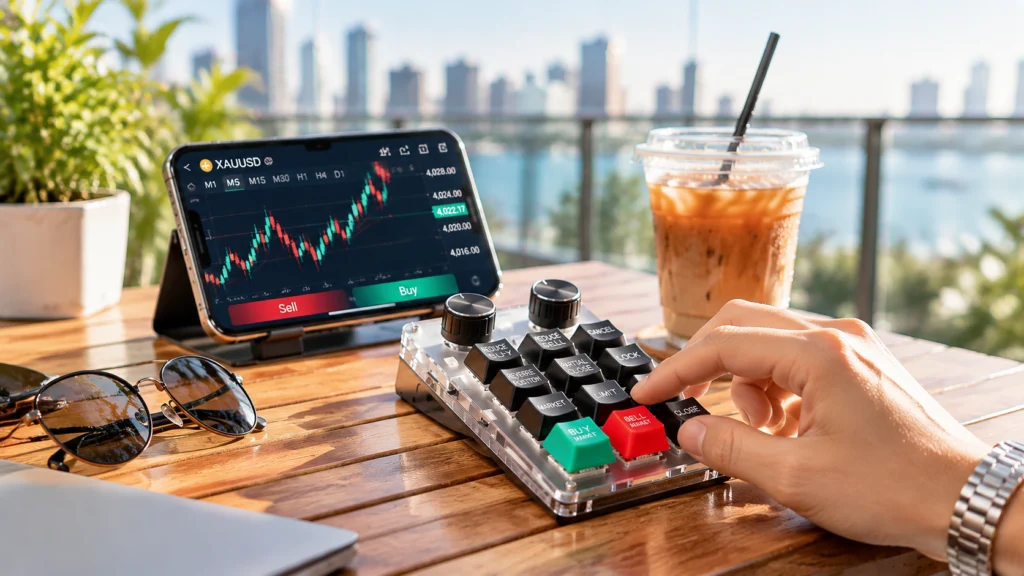
Portable TapTrader trading setup on a sunlit café table

A little less desk. A little more freedom.
12

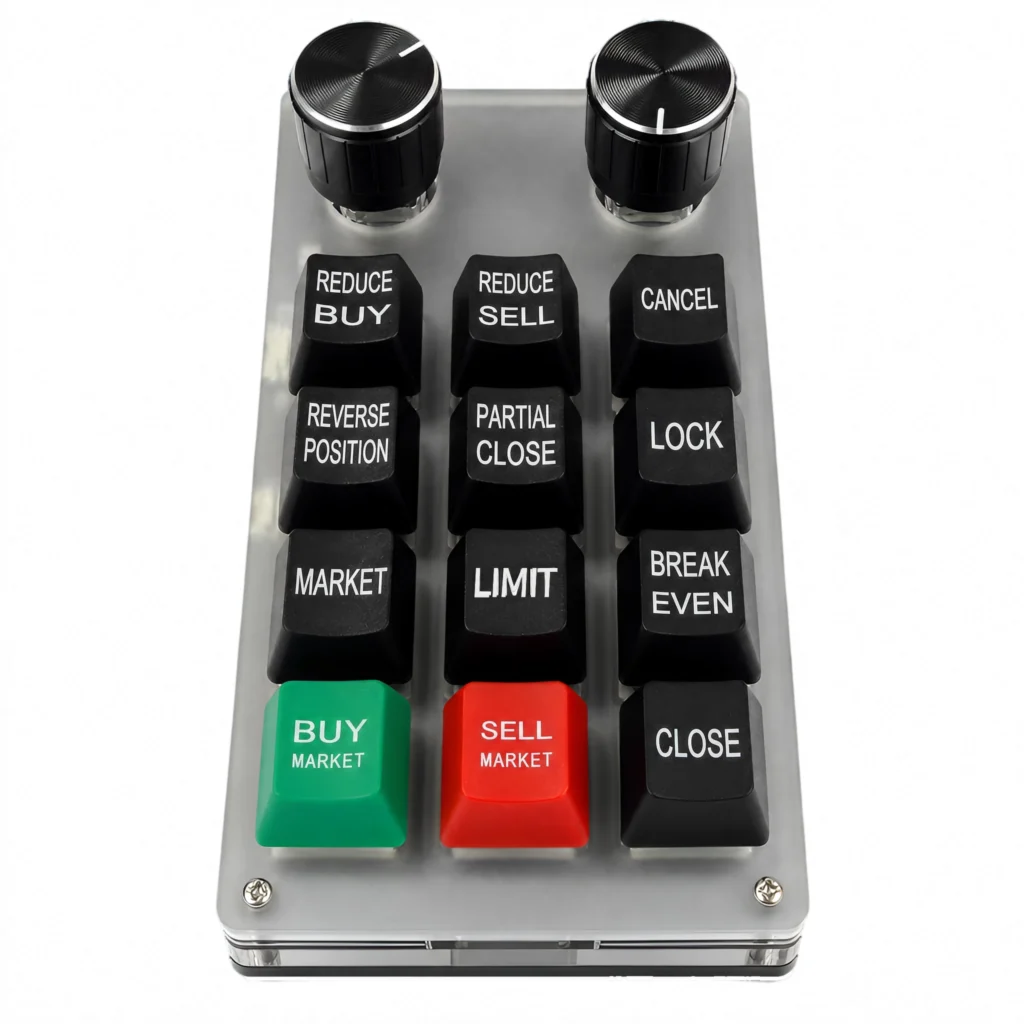
Dedicated trading keys

2

Independent rotary knobs

2 ways

Bluetooth or wired connection

PURPOSEFUL BY DESIGN

Keep your essential controls close.

Practical details that bring more flexibility to your trading routine.

01 / DEDICATED CONTROL

More at your fingertips.

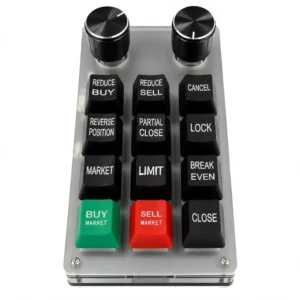
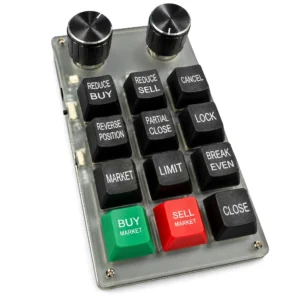
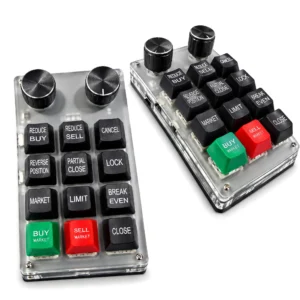
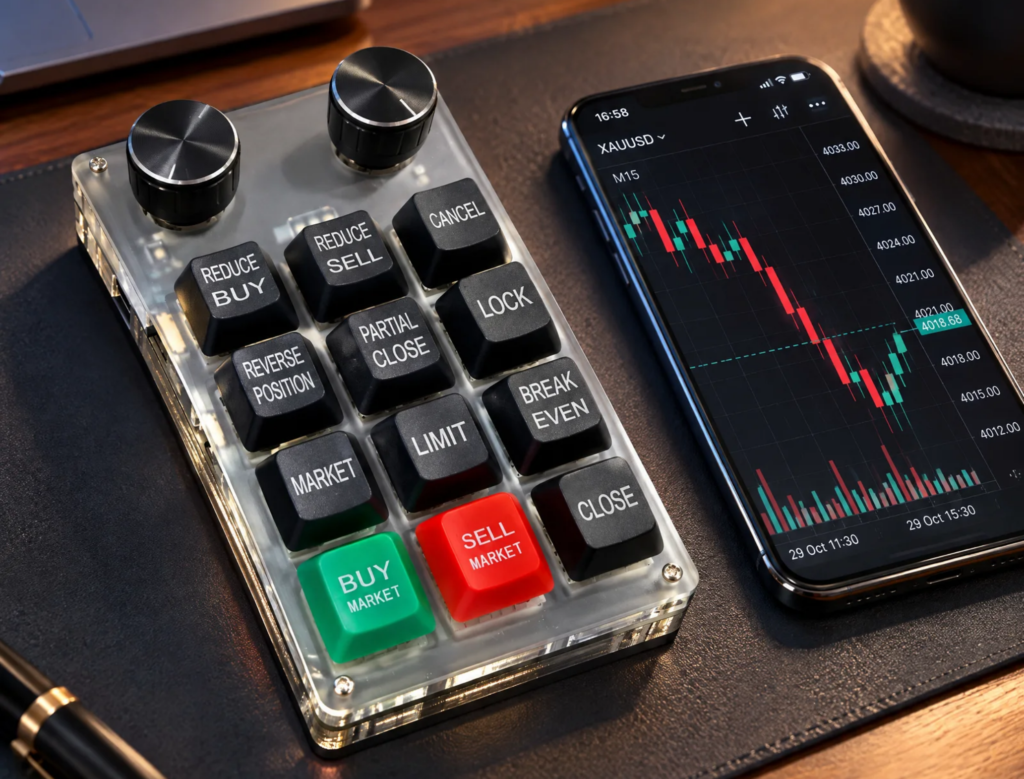
Twelve dedicated function keys bring common trading actions together in one compact layout.

02 / FLEXIBLE CONNECTION

Set up your way.

Choose Bluetooth or a wired connection. Two rotary knobs add control options to suit your configuration.

TapTrader trading keyboard on a clean white background

03 / MADE TO MOVE

Pack a lighter setup.

A compact body and distinctive transparent housing make TapTrader easy to bring from desk to day out.

WHEREVER YOUR DAY TAKES YOU

One keyboard. More possibilities.

At home, at a café, or away for the weekend—keep your preferred controls within reach.

BUILD YOUR SETUP

Find your TapTrader.

Explore our existing keyboard options and choose the setup that works for you.

GETTING STARTED WITH TAPTRADER

From your order to a ready-to-use setup.

Account binding is completed after your keyboard arrives. Receive your device first, then check its machine code and contact our team on WhatsApp.

Place your order

Choose your TapTrader keyboard and complete checkout. Keep your order number for the binding process.

Receive your keyboard

Wait until your TapTrader keyboard has been delivered. Your machine code can only be checked after you receive the device.

Check your machine code

After receiving your keyboard, check its machine code. You will need this code and your order number to request account binding.

Contact us & complete binding

Send your order number and machine code to us on WhatsApp. We will confirm the details, provide the binding file and guide you through setup.

Get binding help on WhatsApp

%20%7C%20Machine%20code%3A%20

” target=”_blank” color=”primary” size=”large” radius=”8″]

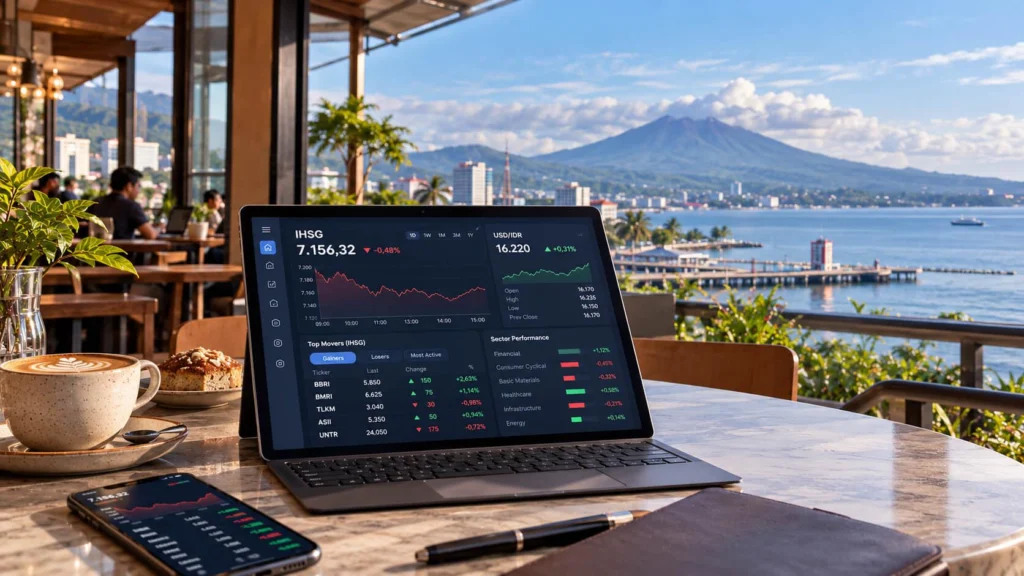
TapTrader trading workspace and portable keyboard

ABOUT TAPTRADER

Built around the way you live.

We believe trading should fit your lifestyle.

TapTrader brings together dedicated trading shortcuts, flexible connectivity and a portable design for modern traders who value convenience and flexibility.

Whether you are working from home, enjoying a coffee or traveling, our aim is simple: make your trading tools easier to take with you.

Our story

A LITTLE CLARITY

Before you get started.

Have a question about compatibility or setup? Start here, or speak to our team.

View all FAQs
Which devices can I use with TapTrader?

TapTrader is designed for compatible smartphones and desktop computers, including iOS and Android devices. Compatibility depends on your device, operating system, trading application and configuration. Please check with us before ordering.

Yes. TapTrader supports Bluetooth and wired connectivity, so you can choose the connection that suits your workspace.

Our existing product information covers MT4, MT5 and TradingView. Specific key functions require a supported application and appropriate configuration. Contact us with your platform, device and operating system so we can help you check compatibility.

Use our contact form or message us on WhatsApp at +1 (302) 363 3644. Include your device, trading platform and a description of your question.

YOUR TRADING. YOUR FREEDOM.

Make room for a more flexible setup.

A compact keyboard. Dedicated controls. More freedom to choose your workspace.

Explore TapTrader Ask a question